A host move is safe when the copy on the new server is complete and the DNS change comes last. Most WordPress migrations that lose traffic skip one of those two steps, and usually it is the second. Here is the order I would run on any site, with the checks that find a failure before Google does.
The order that keeps rankings intact
Copy first, test on a temporary address, then change DNS. Nine checks carry most of the weight: a backup you hold yourself, a saved list of current URLs, a supported PHP version, a working form, mail records left alone, a lowered TTL, one address record changed, a full cache purge, and a week of watching 404s.
1. Take a copy you can hold
Download the files and the database to your own machine before you touch anything. A snapshot inside the old host’s panel is not a backup, because that panel is the first thing you lose when you cancel, or when a cleanup job runs.
My own site was dark from 7 September to 13 October 2026. A server-side cleanup had removed core files, and every URL returned a 500, including wp-login.php. The repair was a fresh copy of core, plugins and theme, then a checksum check. That was six weeks of downtime from a file-level loss, and a zip on my laptop would have turned it into an hour.
2. Save every URL you have today
Open the sitemap and keep a copy. If the domain stays the same, that list is your 404 sweep at the end. If the domain changes, the same list becomes a redirect map you build page for page, because a domain change is the one case where URLs break.
3. Copy to the new server on a temporary address
Most panels give you a temporary domain or let you test through a hosts file entry. Use it. A copy that answers on the live domain while DNS still points at the old server is how half-built sites end up in the index. WordPress keeps its own migration guide if you want the file-level detail.
4. Match or lift the PHP line
Check what the old server runs and what your plugins support, then set the new one to the same line or newer. PHP 8.1 stopped getting security fixes on 31 December 2025 and 8.2 stops on 31 December 2026, so a host that only offers 8.1 is a host to avoid. php.net’s support table lists the dates, and how to check your PHP version shows where the setting lives.
5. Test the pages that make money
Permalinks, forms, checkout, login, outgoing email, robots.txt, sitemap, and a sample of images. Broken mail is the failure nobody notices for a week, because the site looks perfect while enquiry emails bounce.
6. Lower the TTL a day early
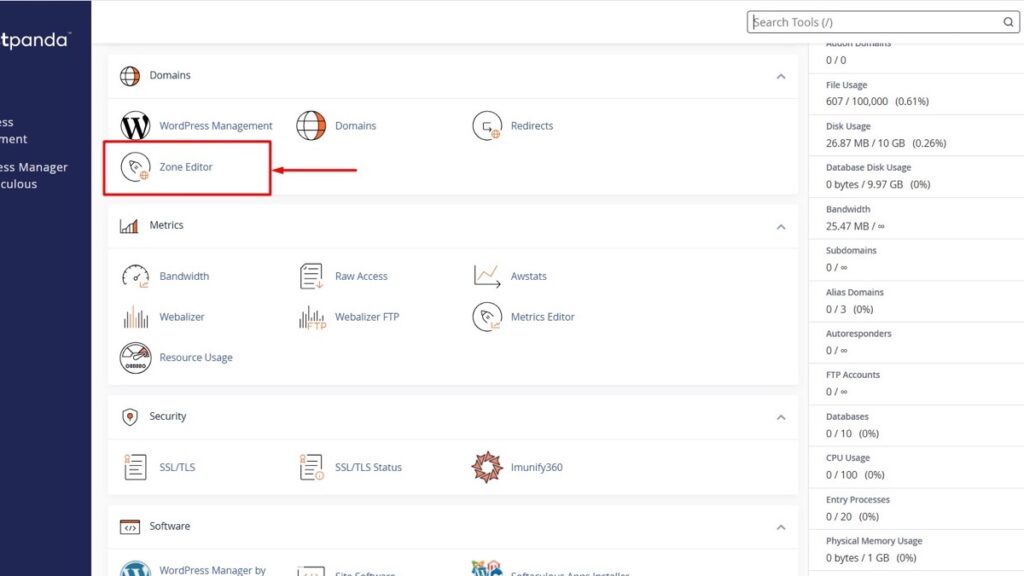
Set the TTL on the A record to 300 seconds the day before the move. The switch then takes minutes instead of hours, and a mistake is reversible the same evening.
7. Change only the address records
Point A and AAAA at the new server and leave MX, SPF, DKIM and DMARC untouched. A migration that takes email down with it costs more goodwill than any short ranking wobble.
8. Purge every cache
LiteSpeed, Cloudflare, the plugin cache, the browser. Cached HTML keeps serving old URLs and cached CSS keeps hiding layout breaks. On this site, LiteSpeed kept answering with cached 200s until a full purge ran, and that is the pattern on most shared hosting.
9. Watch the right numbers for a week
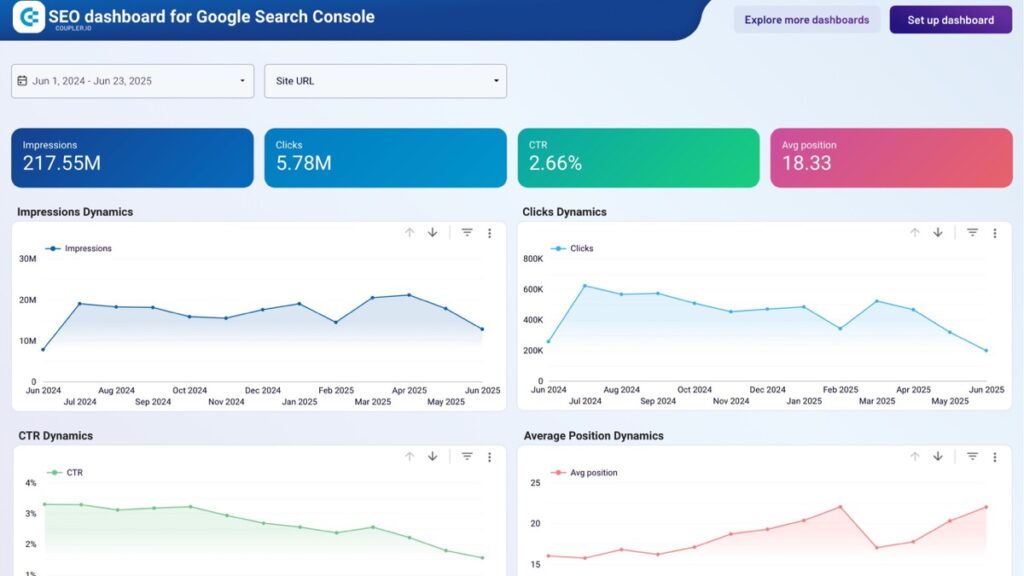
404s in Search Console, 5xx in the server log, and the sitemap count. Leave rankings alone for two weeks. Google rebuilds crawl data over days and weeks, so a dip on day two tells you nothing about the move.
If the domain changes, add two steps
A new host with the same domain is a hosting move. A new domain is a site move, and it needs a redirect from every old URL to the matching new one, 301s, page for page. Build the map from the sitemap you saved in step two, load it before you announce anything, and then file a change of address in Search Console so Google knows the old domain has moved rather than closed.
Keep the old domain registered for at least a year and keep those redirects live. Letting it lapse after ninety days, which is when people usually relax about renewals, throws away whatever links the old URLs still hold.
What breaks, and the check that catches it
| Failure | What you see | The check |
|---|---|---|
| Stale page cache | Old URLs, old design, old prices | Purge all, then view page source |
| PHP line too old | Blank screen, fatal error in the log | Compare version before and after |
| Mixed content | Padlock missing, images broken | Search source for http:// |
| Mail records moved | Form says sent, nothing arrives | Send a test to a Gmail address |
| Staging left public | Duplicate pages in the index | Password or noindex on staging |
| Cutover during patching | 5xx errors for a few hours | Serve a 503 with Retry-After, and read what a 503 does to rankings |
What I would not do in the same week
Change host and theme together. Move hosting in peak season. Redirect every old URL to the homepage instead of matching pages. Each one turns a checked job into a guess, because you cannot tell which change caused what.
Keep the old server answering for a week after the switch, so a missed record or a broken form can be undone in minutes. A test that cannot fail proves nothing, and a migration you cannot reverse is that kind of test. I wrote about SEO tests that cannot fail earlier this month.
The first thing to do today
Lower the TTL. It takes two minutes, it costs nothing, and it decides whether the switch happens over ten minutes or ten hours.